Occurrence data
Occurrence records are the foundation of any species distribution model: the model can only be as good as the records it learns from. This page explains where to find records, how to bring them into nimo, and what to check before modeling.
Where do occurrence records come from?
- Your own field data: surveys, transects, camera traps, telemetry. These are often the best records because you know how they were collected, and they may include true absences.
- Biodiversity databases: the Global Biodiversity Information Facility (GBIF) aggregates hundreds of millions of records from museums, herbaria, research projects and citizen science. nimo queries GBIF directly.
- Literature and atlases: published records can complete a dataset, provided their coordinates are reliable.
Common problems in occurrence records
Before modeling, records should be checked for (Chapman 2005):
- Coordinate errors: swapped latitude and longitude, missing minus signs, coordinates set to 0, or the centroid of a country or province used instead of the true location.
- Low precision: records with coordinates rounded to a few kilometres are not suitable for fine-resolution predictors.
- Duplicates: several records at the same place inflate the weight of that place. nimo removes them automatically when records are imported.
- Taxonomic problems: synonyms, misidentifications, or mixed subspecies.
- Sampling bias: records concentrated in easily accessible areas. The Pre-modeling page shows how to reduce it by filtering.
- Records out of the species’ environmental range: possible errors or vagrant individuals. The Pre-modeling page shows how to detect them as environmental outliers.
Querying GBIF in nimo
The GBIF menu has three tabs: Query, Occurrence and Citation.
Query
- Choose the attribute to search by (scientific name by default; genus, family, order and other taxonomic levels are also available) and start typing. GBIF suggests matching names; select the right one in Select species.
- Optionally restrict the period with Date range.
- Choose where to search:
- a country;
- a drawn polygon: click on the map to add the corners of the area (at least three points);
- a vector file of your area: tick Use defined area, click Add area and select a shapefile (.shp) or KML file containing a single polygon.
- Click Access data, then Load in the window that opens. Records are downloaded page by page; large queries take a few minutes.


Search by a unique scientific name. Names shared by several taxa (homonyms) return no records; in that case, search by the GBIF taxon key.
From the same window you can:
- Add to map the records to check their spatial distribution;
- Export the records to a CSV file, for example to combine them with your own data;
- Start modeling to send the records directly to the pre-modeling steps.
Occurrence
The Occurrence tab shows the table of downloaded records with the main GBIF fields (coordinates, date, country, basis of record, recorder, institution, licence). Use it to check that the records match your expectations. The Export button saves the table.
Citation
GBIF data are published by many institutions under licences that require citation. The Citation tab lists the citation of every dataset that contributed records to your query. Copy it or save it to a text file, and cite these datasets in any publication or report.
GBIF data change over time as datasets are added or updated. Save the downloaded records with your project so the analysis can be repeated on exactly the same data.
Using your own records
Records can also be imported from a CSV or text file in Pre-Modeling > Calibration:
- Tick Import data and choose the Data type: Presence if you only have presences, Presence – Absence if your file also contains absences.
- Click Load data and select the file.
- In the window that opens, indicate the columns of your file:
- Species column and Species: the column with species names and the species to model;
- Longitude and Latitude: the coordinate columns;
- Variable(s) to conserve: other columns to keep, such as habitat or date;
- Occurrence column: for presence-absence data, the column and the values coding presence and absence (for example 1 and 0).
- Click Valid.
The Unique Occurrence tab lists the records used for modeling; the Duplicate Occurrence tab lists the duplicates that were removed. The Geographic tab maps the records.
Set Coordinate Reference System to Geographic if coordinates are in decimal degrees (for example 31.79, -24.53) or Projected if they are in metres (for example UTM coordinates). Projected coordinates must use the same system as the predictor layers.
Example data
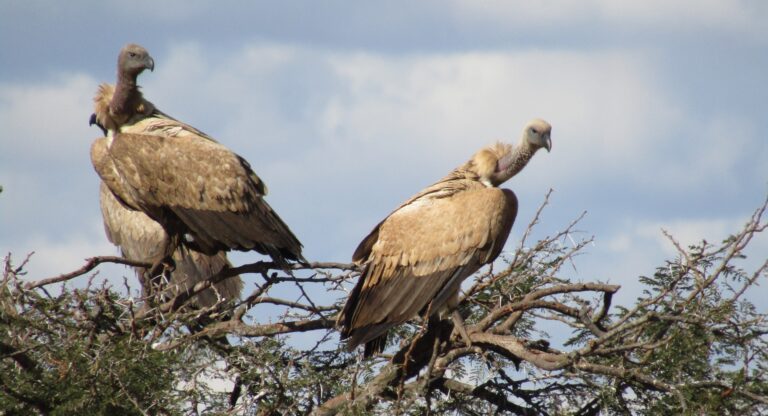
nimo ships two example datasets of the white-backed vulture (Gyps africanus) in Kruger National Park, South Africa, together with environmental layers. The Hands-on practice page uses them for a complete practice session.
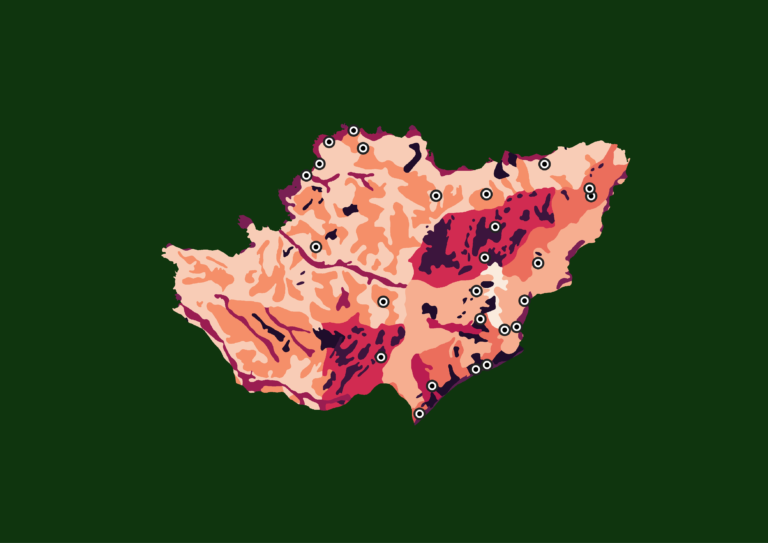
The Aardvark (Orycteropus afer) records from Pendjari National Park, Benin, used in some illustrations were obtained through the GBIF menu for 2016 to 2022, with the boundary of the park as the query area.
References
- Chapman, A. D. (2005). Principles and Methods of Data Cleaning: Primary Species and Species-Occurrence Data. Global Biodiversity Information Facility, Copenhagen.